Filmstaden App
Overview
Working at Filmstaden gave me firsthand exposure to the app in use. Across many shifts at the counter, I observed customers interacting with it and noticed several recurring pain points. This case study explores those problems and how I would approach solving them.
Problem
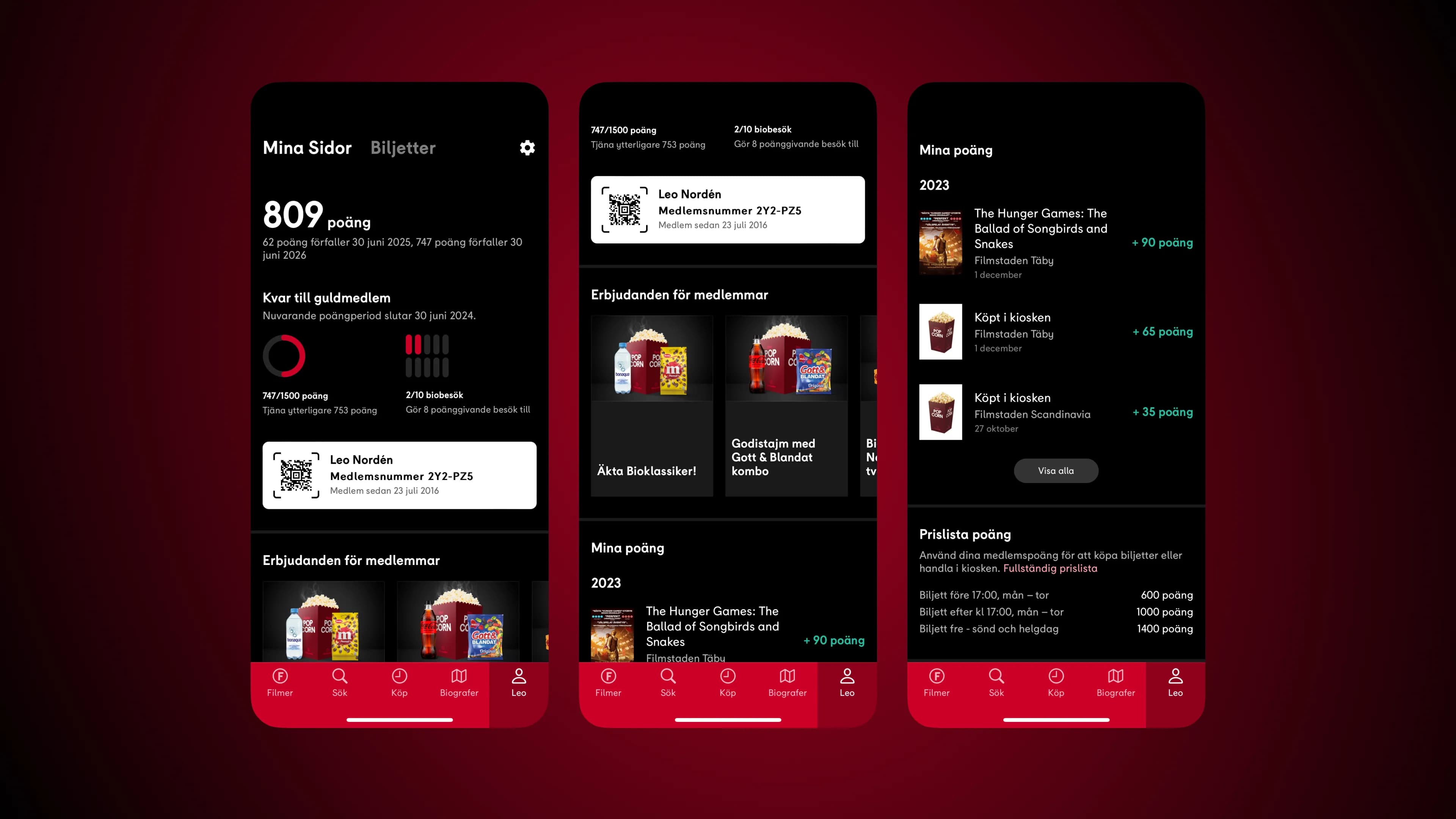
- The Profile tab has a nav section called My Pages that includes member rewards, a QR code, earn points, a points price list, and a log out button. The issue is that this section is mainly about points.
- 8 out of 10 users tapped on the label area instead of the QR code area. This is because the entire white area looks like a button, but only the QR code area is tappable.
- The profile is far to the right of the tab bar, which is not ideal ergonomically for easy thumb access.
Solution
Each suggestion targets a specific usability issue without requiring a full redesign of the app. The focus was on small, intentional changes that improve clarity and accessibility within the existing interface.
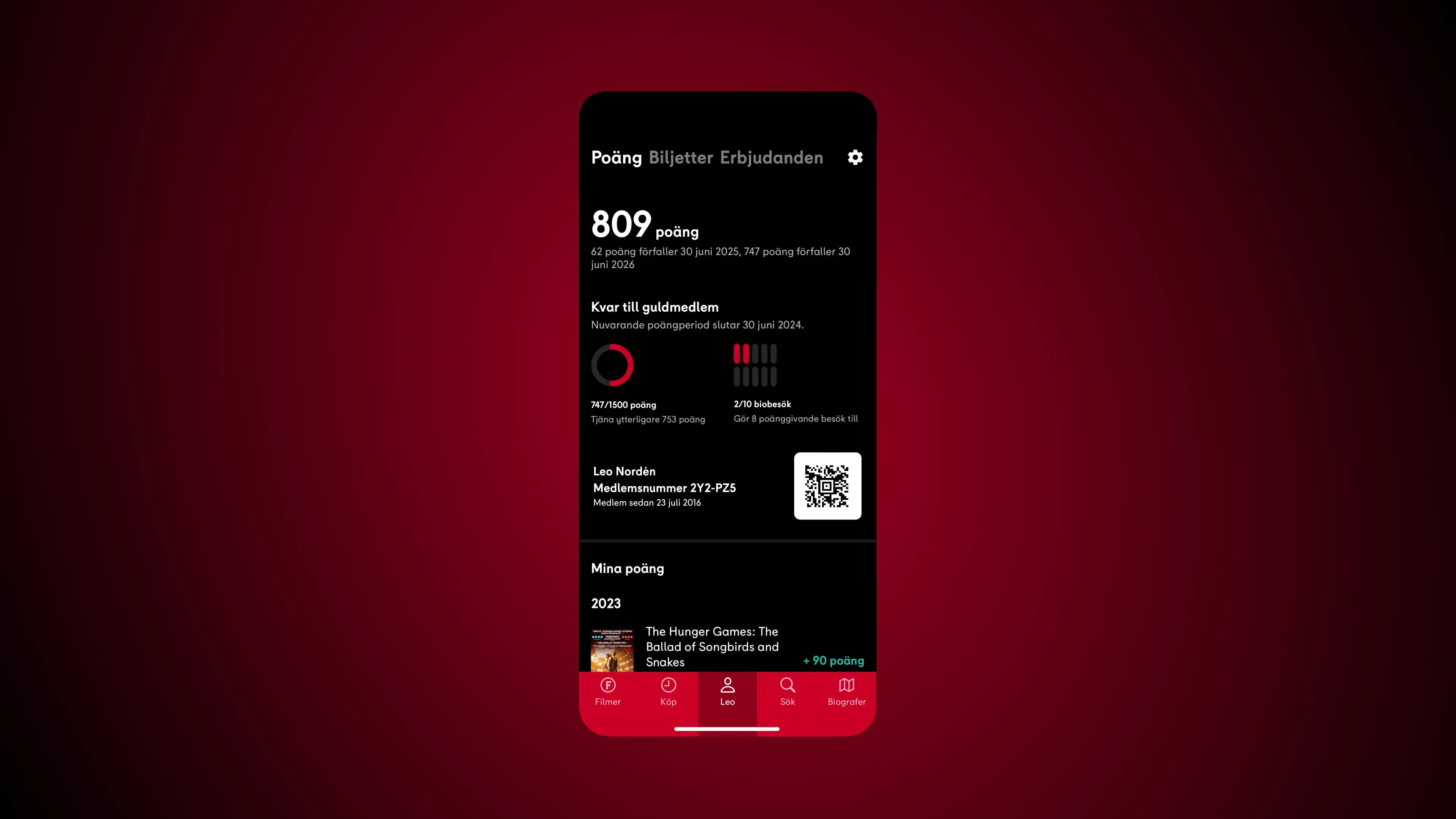
QR Code suggestion 1
Minimize the white area so that only the QR code looks like a button. The four corner brackets around the QR code can be removed, since the new white area is clickable.
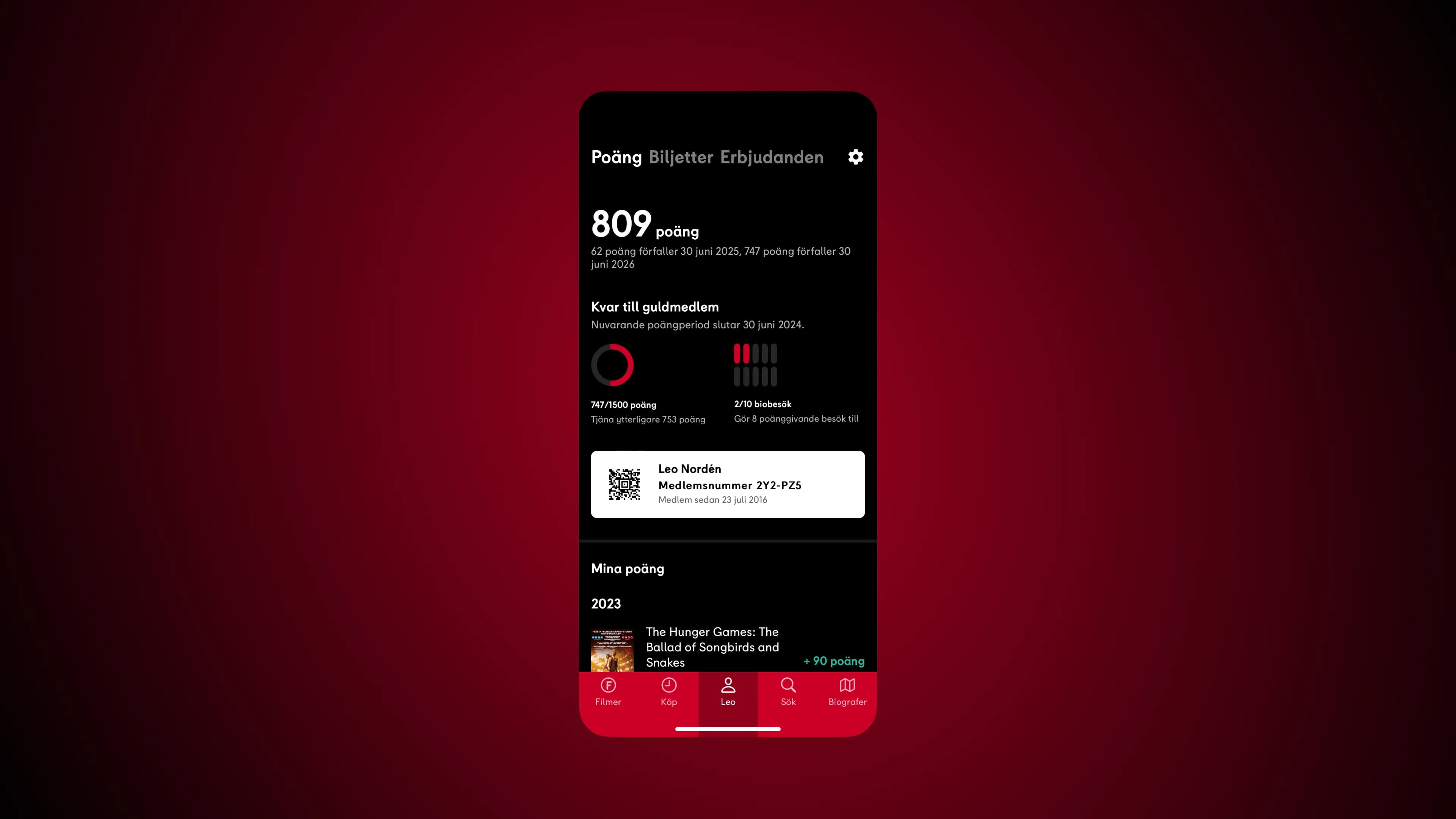
QR Code suggestion 2
Update so that the entire white area is a button to access the QR code. The four corner brackets around the QR code can be removed, since the entire white area is clickable.
Navigation bar
Reading occurs from left to right, so Movies and Purchase are placed as primary options, while Search and Theaters are secondary choices. Profile is placed in the center, which is beneficial for both right- and left-handed users, since the thumb is often used to navigate the app. The central placement also makes it easy to quickly access the QR code when opening the app for purchasing at the counter.
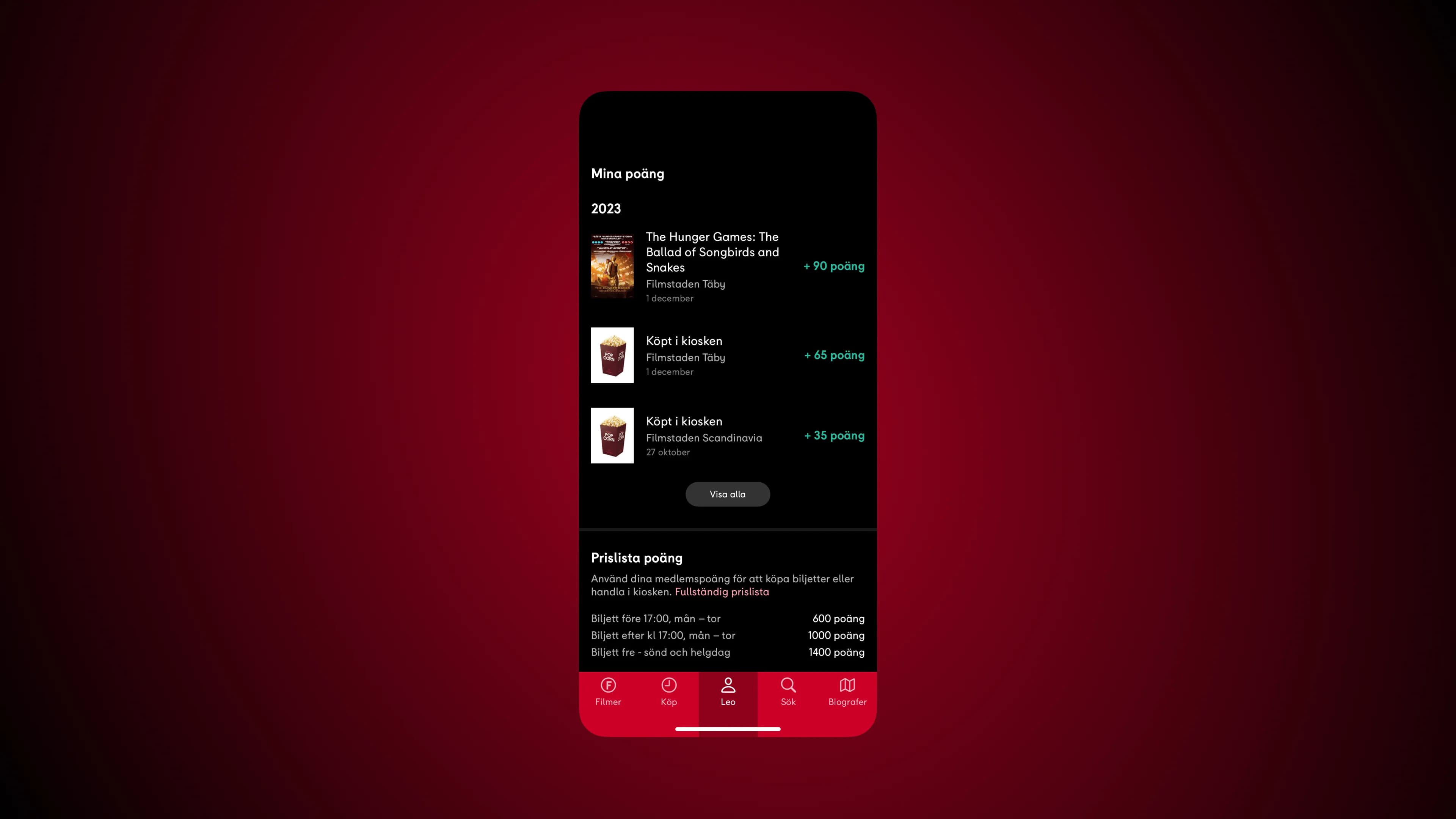
New reward section
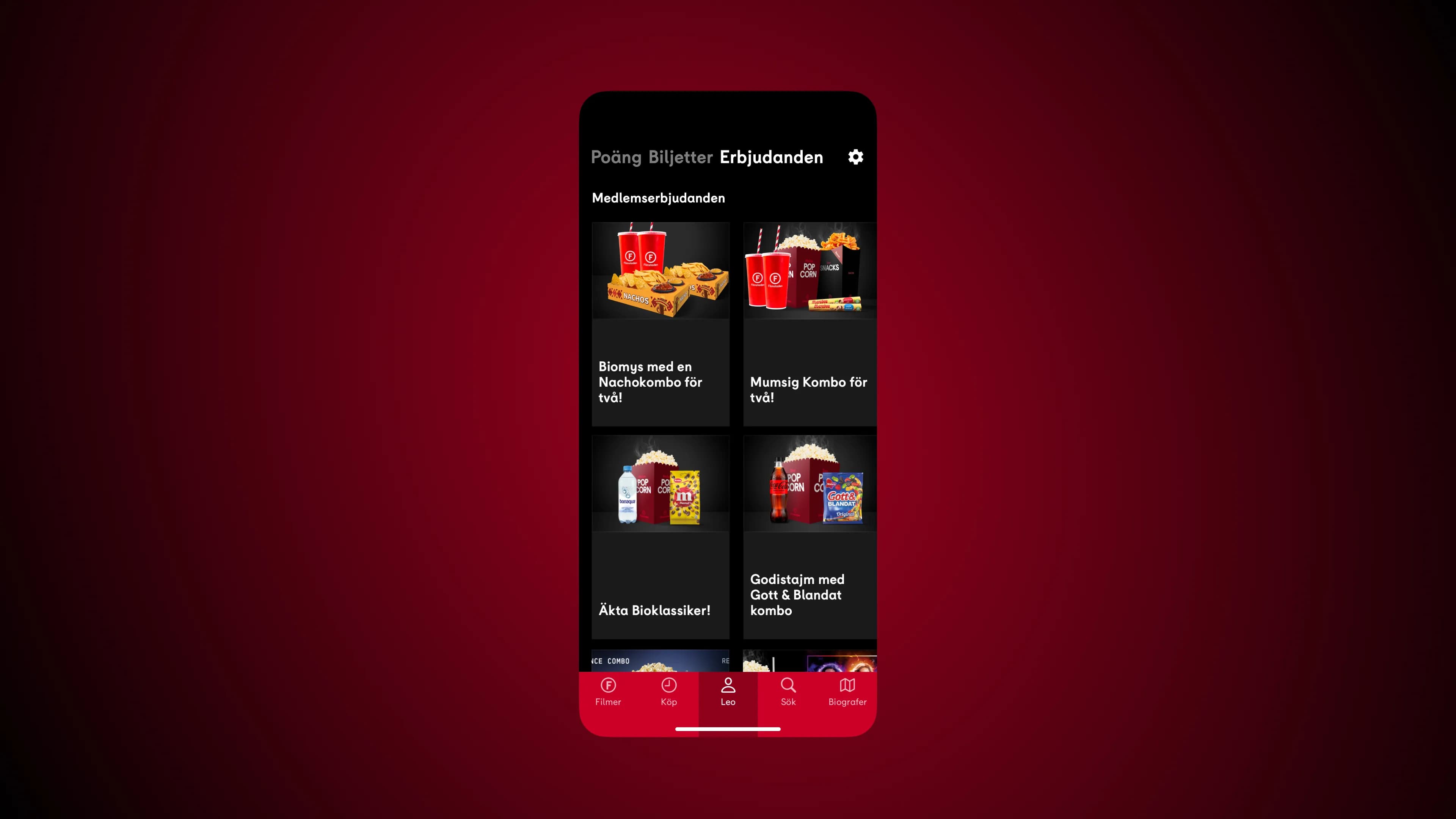
The profile tab should be divided into three navigation sections: Points, Tickets, and Offers. Placing offers on a separate page allows for displaying multiple offers simultaneously and reduces the need for scrolling. Having a dedicated offers section also encourages users to act on member offers, especially before a movie visit. The log out button should be moved to the settings page.